
Merge Your PDF Files Online
Over 200,000 PDFs combined so far — yours could be next!
Επεξεργαζόμαστε το έγγραφό σας
How to combine PDF files
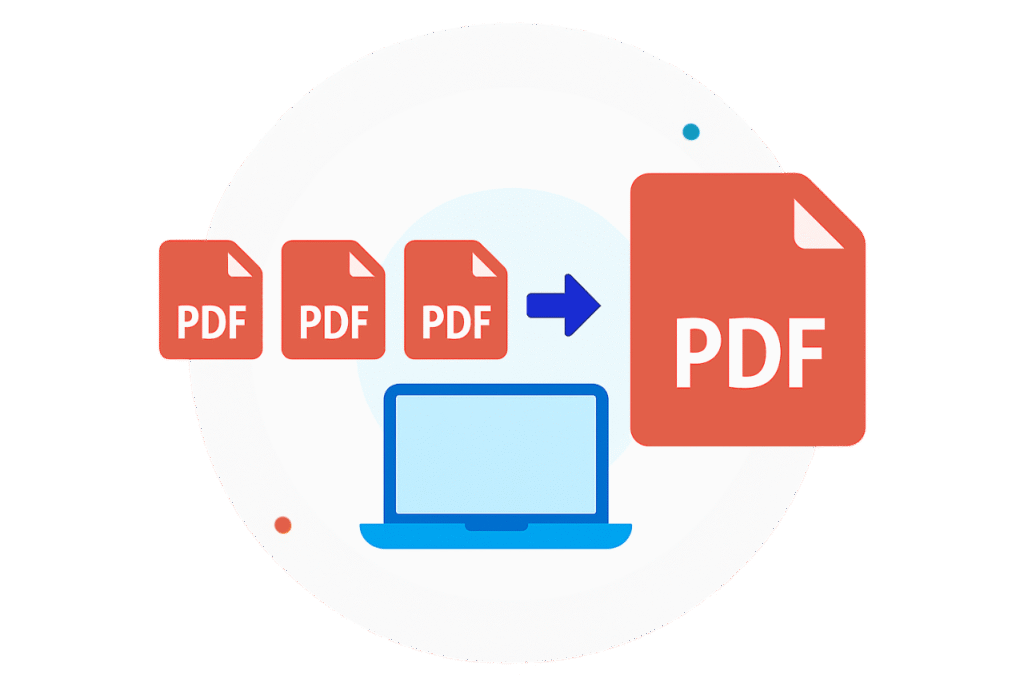
Add your files to the PDF merger one at a time
Put them in your preferred order and start the merge
Download the merged document to your device
Recognized and certified by industry leaders
Reasons to choose our PDF combiner
Your order, your way
Arrange your PDFs in any order before merging, so the final document is structured exactly the way you want it.
Works on every platform
Join PDFs right in your browser — no software needed — with the same reliable performance on every platform.
Mix different page sizes
Merge PDFs online no matter their page size or orientation — ideal for bringing different kinds of documents together into one cohesive file.
Zero quality loss
Combine PDFs without giving up quality — the original clarity and formatting carry over perfectly, every time.
An interface anyone can use
The intuitive design means anyone can put PDFs together, no technical experience required.
A tidier, space-saving PDF tool
Cut the clutter by turning a stack of PDFs into a single organized file that keeps everything in one place.
A better way to organize and combine PDF files
Whether you’re tidying up a personal workflow or handling documents for a business, our PDF joiner is built to exceed expectations. Even seasoned users appreciate being able to organize and combine multiple PDFs quickly, in one go. Our ambition is to offer the best PDF merger on the web — the ideal choice for straightforward document management.
Merge Your PDFs in a Single Click!
Συχνές ερωτήσεις
Is Lead PDF Editor safe?
At Lead PDF Editor, the security and privacy of your documents come first. Your files are safeguarded with SSL certificates, Server-Side Encryption, and AES encryption, and we’re verified by Google Safe Browsing for added protection against malware and phishing.
Go ahead and merge your PDFs with confidence — your data is safe with us.
How do I combine files into one PDF?
Lead PDF Editor includes a full set of online PDF tools, among them a highly efficient combiner. Here’s how to join your PDFs into one:
- Scroll to the top of this page.
- Click the + button, or drag and drop a file into the upload area.
- Upload the first file in the Συγχώνευση PDF tool.
- Add the rest of your files and drag them left or right to set the order.
- Click ‘Merge Selected Files.’
- The combined document downloads automatically and is also saved in the Documents tab of your account.
How many pages can a merged PDF have?
You can upload up to 15 files per merge with our online tool. There’s no limit on the total page count — it’s the number of files that matters.
Keep in mind that PDFs can only be joined with other PDFs; if your documents are in another format, convert them with our Converter tool first.
Can I reorder or delete pages after merging?
Yes — there are two ways to organize the pages in your compiled document.
Option 1: reorder the files while you’re uploading them for the merge. Note that this doesn’t change the page order inside each individual file.
Option 2: to rearrange pages after merging, do the following:
- Open the combined file in our PDF Editor, or find it in your account.
- Drag the page thumbnails on the left into the right order.
- Save the edited version.
- Κατεβάστε το στη συσκευή σας.
How do I access my PDF after merging?
Once your PDFs are joined, the finished document downloads to your device automatically and is stored in your Lead PDF Editor account. So if you ever delete it by accident or need to free up space, you can simply grab it again from your account.
Will merging affect the quality of my PDFs?
No — our PDF binder keeps your documents’ quality fully intact, however complex they are. One thing to note: joining large PDFs produces a larger merged file. If you need to shrink it, our PDF compressor reduces file size with little to no quality loss.